Alpha software. Expect bugs. noHuman Team runs AI workers on your own machine with real file, browser and desktop access — start on work you can afford to have go wrong, and leave the approval queue on. What is rough right now

Blog

Insights on AI agents, automation, and building with noHuman Team.

By

Founder, Cardamon Inc

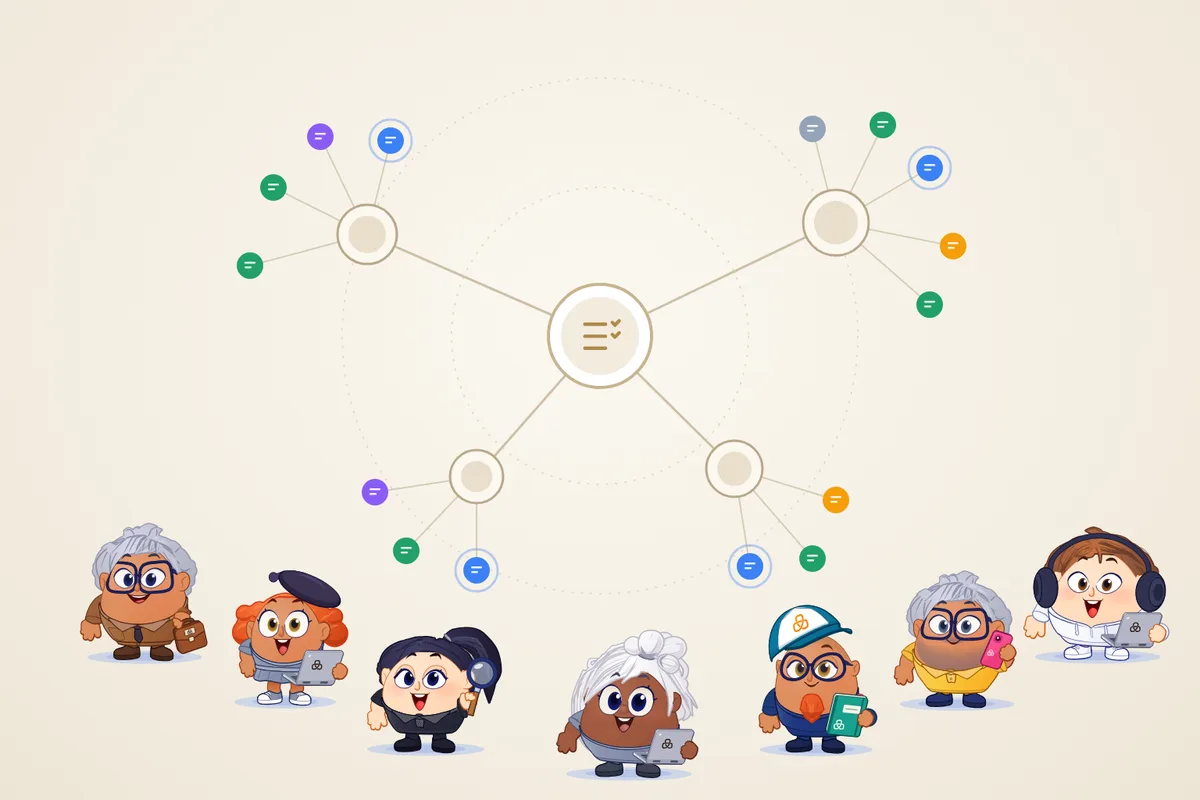
A map of tasks around a central checklist, with task dots in blue, amber, violet and green, and seven noHuman characters standing below it.
FeaturedProduct updates

noHuman Team 5.1: tasks for your AI team

noHuman Team 5.1 turns bigger work into tasks your noHumans plan, hand out and turn in for review, with a Tasks page, due dates, blocked tasks and a chat that shows the work.

By Dmitrii Kargashin · · 5 min read

Read post →
Product updates
A line-up of animated noHuman characters on an ivory background, with one working at a small desk in the middle.
Product updates

noHuman Team 4.10: animated characters and team deletion

noHuman Team 4.10 gives every noHuman an animated character that shows its state, adds team deletion with a 7-day restore, and shows what changed after updates.

By Dmitrii Kargashin · · 3 min read

Getting Started
Photographic still life of a small ivory summary clipped inside a charcoal notebook, connected by amber thread to a fuller archive of paper records.
Getting Started

AI conversation context vs Memory: what survives a summary

Working context, saved chats and Memory serve different purposes. Learn how noHuman Team summarizes a long conversation, keeps open tasks and lets you choose when to make room.

By Dmitrii Kargashin · · 4 min read

Product updates
Photographic still life of a brass bookbinder's press holding ivory notes, linked by amber thread to an open notebook and three milestone pins.
Product updates

noHuman Team 4.7: smaller conversations, clearer task progress

noHuman Team 4.7 adds idle conversation summaries, saved task checkpoints and model reasoning choices. Keep long-running work moving and choose when each noHuman makes room.

By Dmitrii Kargashin · · 4 min read

Product updates
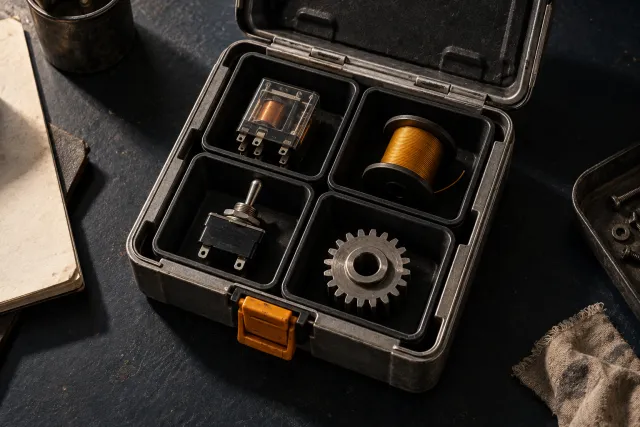
Photographic still life of brass toggle switches linked by amber thread to a phone, with an ivory card and a small bell on a dark workbench.
Product updates

noHuman Team 4.6: browser switches, and a phone connection built for notifications

In noHuman Team 4.6, each noHuman's Capabilities page explains how it uses its browser and lets you switch its browser tools and behaviour. The phone companion gets a faster, encrypted connection ready for notifications.

By Dmitrii Kargashin · · 5 min read

Product updates
Photographic still life of brass viewing frames connected by amber thread, with a small help bell on a dark desk.
Product updates

noHuman Team 4.5: browsers that say what happened and ask you for help

In noHuman Team 4.5, noHumans keep track of their browser tabs, know whether a failed step went through, ask you with a card when a site needs a person, and can record their browser.

By Dmitrii Kargashin · · 8 min read

Product updates
Photographic still life of a locked brass gate, key and approval stamp marking a boundary on a dark workbench.
Product updates

noHuman Team 4.3 and 4.4: approvals, Forbidden and who decides

Payments, publishing and your accounts stay your call. Approvals carry a scope and an end you choose in 4.4, and Forbidden blocks actions in all autonomy modes.

By Dmitrii Kargashin · · 8 min read

Getting Started
Photographic still life of a ready-to-use brass instrument in a fitted case, softly lit by morning light.
Getting Started

noHuman Team 4.3: setup with no terminal and overnight recovery

Set up noHuman Team on Mac or Windows with no terminal, sign in to Claude or ChatGPT once per computer, and let the app bring your team back after a long night.

By Dmitrii Kargashin · · 8 min read

Product updates
Photographic still life of a brass task-card rack, completed cards and amber thread on a dark workbench.
Product updates

noHuman Team 4.3 and 4.4: see what each noHuman did in the Work panel

Select Work beside any chat to see requests waiting for you, current tasks by project and 7 days of finished work. noHuman Team 4.4 adds tokens per task.

By Dmitrii Kargashin · · 7 min read

Product updates
Photographic still life of connected brass work-tracking, plotting and timing instruments on a dark desk.
Product updates

noHuman Team 4.1 to 4.4: what changed since the 4.0 release

Windows is back, a Work panel shows what each noHuman did and its tokens per task, you choose how long approvals last, and replies can hold charts and forms.

By Dmitrii Kargashin · · 8 min read

Product updates
Photographic still life of a brass time switch, blank calendar leaves and an approval stamp linked by amber thread.
Product updates

noHuman Team 4.4: choose how long an approval lasts, up to 30 days

In noHuman Team 4.4 you set how long an approval lasts on its card: the noHuman's suggestion, 1 day to 30 days, or a date, with a line that says when it ends.

By Dmitrii Kargashin · · 6 min read

Product updates
Photographic still life of a brass plotter, an amber-thread curve and paper cards suggesting diagrams and forms.
Product updates

noHuman Team 4.4: charts, diagrams and forms in your noHumans' replies

In noHuman Team 4.4, noHumans answer with diagrams, bar or pie charts, progress bars and forms you fill in, on your computer or phone. Telegram gets plain text.

By Dmitrii Kargashin · · 9 min read

Cost & ROI
Photographic still life of brass counters sorted into trays beside task folders, with a magnifying glass.
Cost & ROI

Token use per task: find the jobs that use up your AI plan

noHuman Team 4.4 shows tokens for each task in the Work panel, adds ChatGPT noHumans to Activity → Usage, and ends a usage-limit pause when you switch models.

By Dmitrii Kargashin · · 7 min read

Product updates
Editorial image of linked mechanisms on a workbench, reused from our AI team guide; not a dashboard screenshot
Product updates

noHuman Team 4.0 for Mac: a clearer dashboard, activity charts and Memory

Inspect requests and replies, compare recorded activity, browse team or individual Memory, and keep Profile beside your chat in noHuman Team 4.0 for macOS.

By Dmitrii Kargashin · · 4 min read

Use Cases
Cover illustration for “Telegram Bot for Business: Control Your AI Team from Your Phone”
Use Cases

Telegram Bot for Business: Control Your AI Team from Your Phone

How to connect noHuman Team to Telegram, send tasks from your phone, and view agent-to-agent coordination in an optional team group.

By Dmitrii Kargashin · · 10 min read

Use Cases
Cover illustration for “AI for Solopreneurs: Build a Virtual Startup Team on Your Own Computer”
Use Cases

AI for Solopreneurs: Build a Virtual Startup Team on Your Own Computer

A practical guide to using a local AI team for development, marketing, research, and operations without pretending agents replace accountable experts.

By Dmitrii Kargashin · · 7 min read

Use Cases
Cover illustration for “AI Content Production at Scale: How Agent Teams Write, Edit & Publish”
Use Cases

AI Content Production at Scale: How Agent Teams Write, Edit & Publish

A practical AI content workflow from brief to publication, with clear review gates, quality checks, and a way to measure your own cost and turnaround.

By Dmitrii Kargashin · · 8 min read

Architecture
Cover illustration for “AI Team vs Single AI Agent: When Multiple Agents Help”
Architecture

AI Team vs Single AI Agent: When Multiple Agents Help

Compare single-agent and multi-agent workflows. Learn when specialized roles and parallel work help, when they add overhead, and how to choose.

By Dmitrii Kargashin · · 8 min read

Architecture
Cover illustration for “Multi-Agent AI Systems Explained: Architecture, Patterns & Tools”
Architecture

Multi-Agent AI Systems Explained: Architecture, Patterns & Tools

A practical guide to multi-agent AI systems: architectures, communication patterns, and tools compared. Learn how AI agents coordinate and collaborate.

By Dmitrii Kargashin · · 9 min read

Cost & ROI
Cover illustration for “AI Agents That Can Actually Browse the Web: How It Works”
Cost & ROI

AI Agents That Can Actually Browse the Web: How It Works

How AI agents get real browser access: a full Chromium driven by Playwright, for research, form-filling, scraping and testing.

By Dmitrii Kargashin · · 13 min read

Tools & Comparison
Cover illustration for “Best AI Coding Assistants Compared: Claude Code vs Codex vs Copilot (2026)”
Tools & Comparison

Best AI Coding Assistants Compared: Claude Code vs Codex vs Copilot (2026)

A practical comparison of Claude Code, Codex, GitHub Copilot, Cursor, and Windsurf by workflow, permissions, testing, and review effort.

By Dmitrii Kargashin · · 7 min read

Cost & ROI
Cover illustration for “The True Cost of Running AI Agents: A Realistic Breakdown”
Cost & ROI

The True Cost of Running AI Agents: A Realistic Breakdown

A practical way to calculate AI agent cost across software, subscriptions or API usage, infrastructure, tools, review, and failed work.

By Dmitrii Kargashin · · 8 min read

Tools & Comparison
Cover illustration for “How to Choose the Right AI Model for Every Task (Cost vs Quality Guide)”
Tools & Comparison

How to Choose the Right AI Model for Every Task (Cost vs Quality Guide)

A practical framework for choosing an AI model by task risk, measured quality, latency, context needs, and current provider pricing.

By Dmitrii Kargashin · · 7 min read

Cost & ROI
Cover illustration for “AI Agent Memory: How to Make AI Remember Context Across Sessions”
Cost & ROI

AI Agent Memory: How to Make AI Remember Context Across Sessions

Why AI forgets between sessions and how to fix it. Compare vector DBs, file-based memory, RAG, and compaction approaches for persistent AI context.

By Dmitrii Kargashin · · 10 min read

Getting Started
Cover illustration for “From ChatGPT to AI Agents: The Evolution of How We Use AI”
Getting Started

From ChatGPT to AI Agents: The Evolution of How We Use AI

The journey from ChatGPT conversations to supervised AI agent teams. A practical framework for chatbots, tool use, agents, and coordinated teams.

By Dmitrii Kargashin · · 9 min read

Tools & Comparison
Cover illustration for “Open Source AI Agent Frameworks Compared: OpenClaw, CrewAI, AutoGen, LangGraph”
Tools & Comparison

Open Source AI Agent Frameworks Compared: OpenClaw, CrewAI, AutoGen, LangGraph

A practical comparison of open-source AI agent frameworks in 2026: architecture, deployment work, and which approach fits your use case.

By Dmitrii Kargashin · · 9 min read

Architecture
Cover illustration for “Sandboxed AI Agents: What Docker Isolates and What It Does Not”
Architecture

Sandboxed AI Agents: What Docker Isolates and What It Does Not

Docker can reduce the blast radius of an AI agent, but safety depends on mounts, privileges, network access, resource limits, and host configuration.

By Dmitrii Kargashin · · 9 min read

Getting Started
Cover illustration for “How to Run AI Agents Locally on Your Own Machine (2026 Guide)”
Getting Started

How to Run AI Agents Locally on Your Own Machine (2026 Guide)

A practical guide to local AI agents: native and Docker setups, provider connections, data flows, permissions, costs, and security tradeoffs.

By Dmitrii Kargashin · · 8 min read

Getting Started
Cover illustration for “Docker for AI: A Beginner's Guide to Containerized AI Agents”
Getting Started

Docker for AI: A Beginner's Guide to Containerized AI Agents

A plain-English guide to Docker for AI agents. What containers are, why they matter, how to install Docker, and how to manage resources.

By Dmitrii Kargashin · · 8 min read