noHuman Team 5.1: tasks for your AI team
noHuman Team 5.1 turns bigger work into tasks your noHumans plan, hand out and turn in for review, with a Tasks page, due dates, blocked tasks and a chat that shows the work.

Published
In noHuman Team 5.1 your team's work runs as tasks. A noHuman plans a task, hands parts of it to teammates and turns in a result for review. A new Tasks page shows all of it, and each chat shows what its noHuman is doing while it works.
5.1 also contains 4.11 and 5.0, which were not published on their own. The release supports macOS and Windows. See the install page for the installers available now, or read what's new in 5.1.0.
What is a task?
A task is a piece of work with an owner, a result and someone who reviews that result. The noHuman that owns it can plan it and hand parts to teammates as subtasks, and those can be split again. Each subtask is reviewed by the noHuman that handed it out. A task you gave the team ends with its result waiting for you: Accept the result or Request changes.
Every task gets a short id from its project, such as SG-3. When a noHuman names a task in a chat, the id becomes a link, and one click opens the task's details.
Which messages become tasks?
The noHuman you message decides. It answers a question, does small work itself in the same reply, such as a quick lookup or a short message to a teammate, or records bigger work as a task. A question about work already under way is answered by looking the tasks up, so asking "why is this blocked?" doesn't open a new task.
Leaders can create tasks in any conversation, and every noHuman can hand out subtasks. You can write a task yourself too: New task on the Tasks page takes what to do, how to check it and who does it. A task can wait in the Backlog and start by itself at a set time, or start after other tasks finish.
How do you follow the work?
Open Tasks in the sidebar. The page has several views of the same work:
- Flow: columns from Backlog through Up next, Working, Waiting and In review to Done.
- Team: what each noHuman is working on.
- Map: one goal at a time, with who does which part and where it stands.
- History: when each task ran, on a timeline you can zoom.
- Projects, Backlog and List: projects with their tasks, work saved for later, and every task with all its controls.
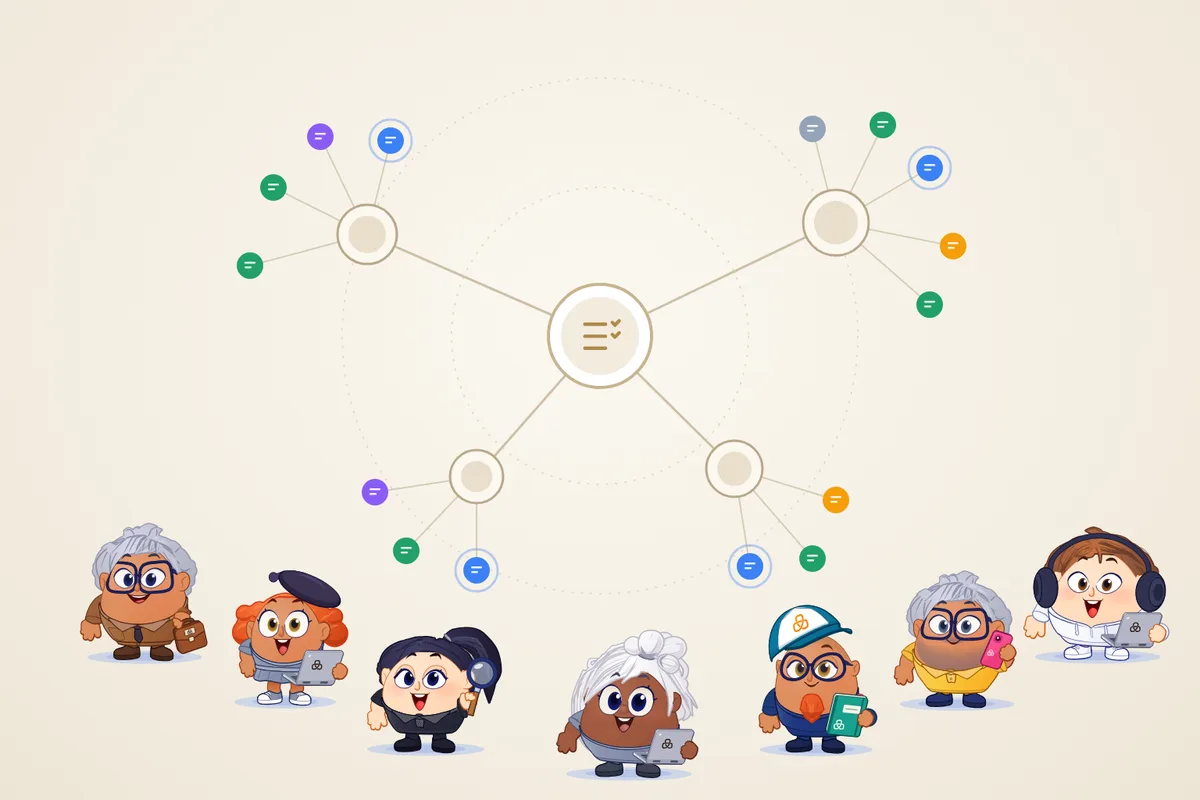
- Constellation: the period's tasks as one map. The team sits in the centre, goals have their subtasks around them, and the noHumans stand on the outer ring. Group it by goals, by who worked, by who asked, by projects or by status, and press Replay the period to watch it grow in the order it happened.
Needs you gathers what waits for you: results to review, blocked tasks and decisions. The sidebar shows how many tasks wait for you, so you don't have to open the page to know.
What happens when a task gets stuck?
A noHuman that cannot finish with its tools or access doesn't hand in half a result. It marks the task Blocked, says what stops it and what would unblock it. You, or a leader, can unblock it with a note, or with a task that removes the block. When that task is accepted, the blocked one continues by itself.
A task can also stop: its runs keep ending without a result, or its start never reached the noHuman. Then it goes to whoever asked for it, and they decide whether to start it again or cancel it. A task cut off by a restart, a quit or a failing AI service continues by itself and doesn't count against the work.
Open a task and choose Add a due date to give it one. When the date passes, whoever asked for the task decides what happens next. Nothing expires by itself, and your own tasks show up in Needs you.
What does the chat show now?
While a noHuman works, its chat says what it is doing right now in plain words, such as "Opening business.facebook.com" or "Creating a task for Video Editor", with a timer. When it works in its browser, a small live view of the page sits under the action.
A finished reply folds its work into one line, such as "Worked for 1m 45s · 3 checks · Created 1 task", that opens into the steps. Messages between noHumans fold into a single thread, so the conversation with you stays readable.
What else is new since 4.10?
- Every noHuman can write to you. A noHuman working on a teammate's request can message you, in its chat on the computer and on the phone, with a notification.
- Questions wait for your answer. A question to you stays open for up to 7 days instead of 10 minutes, even when the app restarts.
- System permissions. On a Mac, App settings → System permissions shows what macOS allows noHuman Team to do and which noHumans need each permission, and asks for a missing one.
- Lighter on your computer. The app uses much less processor time and memory. A mini-app asks for your approval once for each new version.
- Tasks everywhere. Tasks are on for every team, on Mac and on Windows. A team's task history is kept in its own folder, next to its chats and memory.
Update without resetting your team
Choose Check for Updates in the desktop app or use the install page. Your teams, conversations, Memory and workspace live outside the app bundle and stay saved when you replace it. After the update, the What's new screen lists the main changes.
Read the 5.1 release notes for the complete list. The monthly subscription includes a 7-day trial; AI provider charges are separate.
Related posts
noHuman Team 4.10: animated characters and team deletion
noHuman Team 4.10 gives every noHuman an animated character that shows its state, adds team deletion with a 7-day restore, and shows what changed after updates.
noHuman Team 4.7: smaller conversations, clearer task progress
noHuman Team 4.7 adds idle conversation summaries, saved task checkpoints and model reasoning choices. Keep long-running work moving and choose when each noHuman makes room.
noHuman Team 4.6: browser switches, and a phone connection built for notifications
In noHuman Team 4.6, each noHuman's Capabilities page explains how it uses its browser and lets you switch its browser tools and behaviour. The phone companion gets a faster, encrypted connection ready for notifications.